Remote Work, Simplified: How Cloud Technology Delivers Flexibility and Security
Remote Work, Simplified: How Cloud Technology Delivers Flexibility and Security
Remote work no longer means juggling scattered systems and risky shortcuts. When your team relies on cloud technology for remote work, flexibility meets security without compromise. From zero trust security to tailored IT solutions, this approach keeps your data safe while empowering your workforce to perform anywhere. Let’s explore how PC Works Tech crafts secure remote work solutions designed for your business needs. For more insights, check out this article.
The Power of Cloud Technology for Remote Work
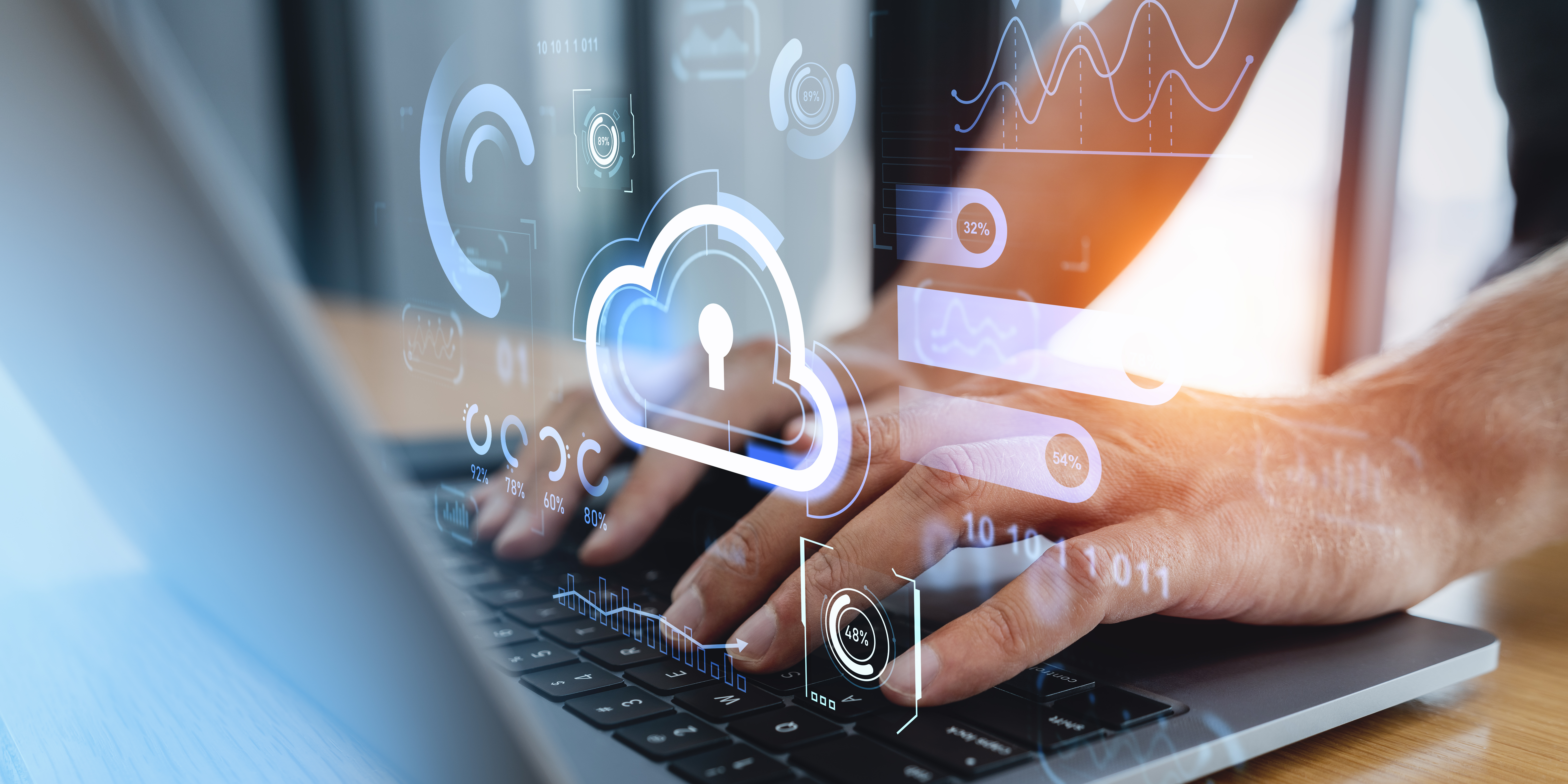
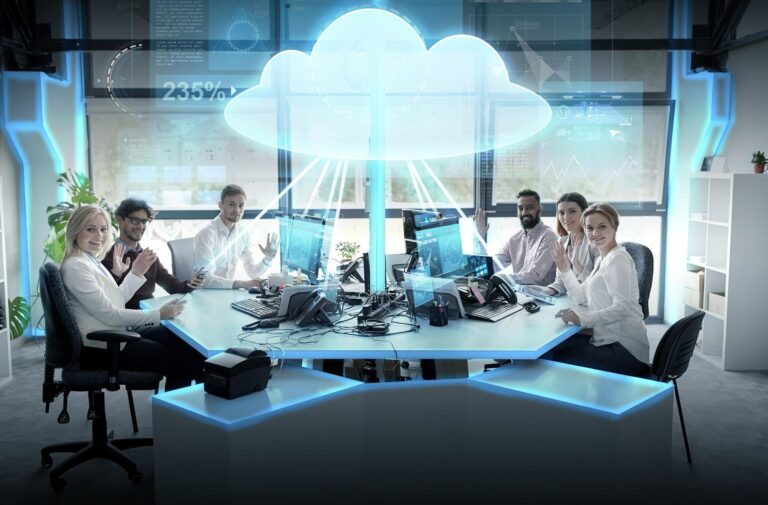
Cloud technology is revolutionizing how businesses operate. It provides unmatched flexibility and security for remote work, allowing teams to perform efficiently from any location. By leveraging these advancements, you gain the power to adapt swiftly to changing demands while ensuring data safety.
Enhancing Flexibility with Cloud Solutions
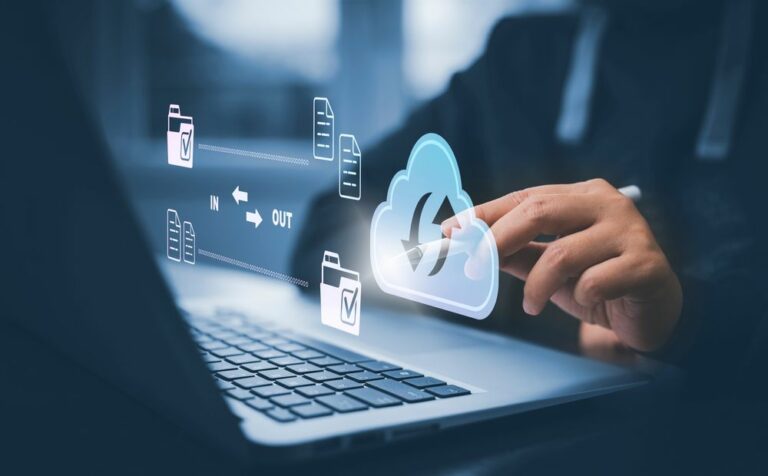
Imagine your team accessing files seamlessly from any corner of the globe. Cloud solutions make this a reality, turning distance into a mere number. Cloud technology for remote work is not just a modern convenience—it’s a necessity for today’s businesses. By storing data and applications in the cloud, your workforce can access essential tools without being tied to a specific device or location. This freedom boosts productivity, enabling employees to collaborate effectively, no matter where they are.
But flexibility doesn’t stop at access. Cloud solutions support scalability, allowing your IT infrastructure to grow with your business. A staggering 90% of companies using the cloud report improved operational efficiency. As your needs evolve, the cloud adapts, providing the resources you require without hefty upfront costs. Don’t let outdated systems hold you back—embrace cloud technology for a future-ready business model.
Ensuring Security with Zero Trust Security
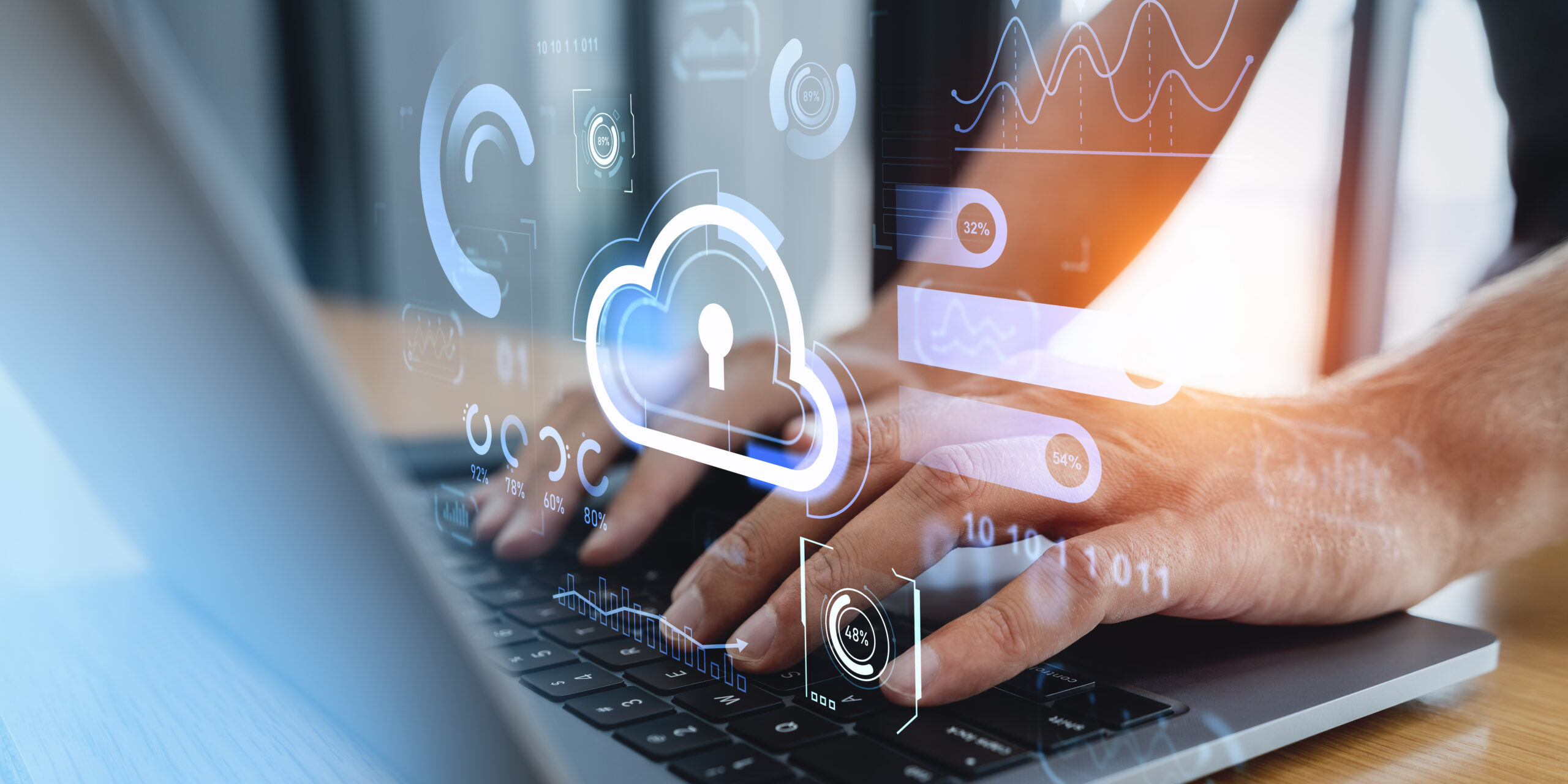
Security is a top priority in the digital age, and zero trust security is the backbone of secure remote work solutions. This model assumes threats are omnipresent, requiring verification at every step. Unlike traditional security, which relies on perimeter defenses, zero trust continuously monitors and authenticates users and devices.
By implementing zero trust, you drastically reduce the risk of data breaches. Each access request is carefully vetted, ensuring only authorized users reach your sensitive information. For example, companies that adopt zero trust often see a 50% reduction in security incidents. Additionally, zero trust enhances visibility, allowing you to track user activity and spot anomalies swiftly. Learn more about how cloud powers secure remote workforces here.
Key Components of Secure Remote Work Solutions
To craft a secure remote work environment, focus on essential components that protect data and streamline access. These elements form the foundation of a robust solution tailored to your unique needs.
Multi-Factor Authentication and Single Sign-On
Securing access to your systems starts with multi-factor authentication (MFA) and single sign-on (SSO). MFA requires users to verify their identity through multiple methods, such as passwords and mobile verification codes. This extra layer of security prevents unauthorized access, even if credentials are compromised.
SSO simplifies the login process, enabling users to access multiple applications with one set of credentials. This not only enhances user experience but also reduces the number of passwords employees must remember, decreasing the likelihood of breaches. According to industry experts, implementing MFA can block up to 99.9% of account compromise attacks.
Endpoint Management and Data Protection
Every device connected to your network is a potential entry point for threats. Endpoint management ensures each device adheres to security policies, minimizing risks. By managing device configurations and updates centrally, you maintain control over your IT environment.
Data loss prevention (DLP) strategies also play a critical role. They guard against accidental leaks and unauthorized access, safeguarding sensitive information. With DLP, you can monitor data flows and enforce policies that prevent data breaches. These measures, combined, create a secure ecosystem where your data remains protected, no matter where it’s accessed.
Tailored Cloud Migration Services for SMEs
For small and medium-sized enterprises (SMEs), transitioning to the cloud can seem daunting. However, with the right support, you can unlock the full potential of cloud technology and drive business growth.
Microsoft 365 and Google Workspace Deployment
Adopting cloud-based productivity suites like Microsoft 365 and Google Workspace transforms how your team collaborates. These platforms offer a range of tools for communication, document sharing, and project management, all accessible from any device.
Deploying these solutions boosts efficiency, enabling real-time collaboration and reducing downtime. You’ll also enjoy the peace of mind that comes with automatic updates and built-in security features. As a result, your team can focus on what they do best, while the technology works seamlessly in the background.
Backup, Disaster Recovery, and Ransomware Protection
Data protection is critical for any business, especially SMEs. Implementing backup and disaster recovery solutions ensures your data is safe from unforeseen events. Regular backups mean that even if disaster strikes, you can restore operations with minimal disruption.
Ransomware protection adds another layer of security, guarding against malicious attacks that threaten to encrypt your data. By keeping backups and security measures up-to-date, you maintain continuity and safeguard your business from potential threats. Discover more about the benefits of cloud computing here.
In conclusion, embracing cloud technology for remote work offers the flexibility and security your business needs to thrive. By implementing these tailored solutions, you ensure your operations run smoothly, no matter where your team is located. As you consider these advancements, remember that the longer you wait, the more competitive edge you risk losing.